
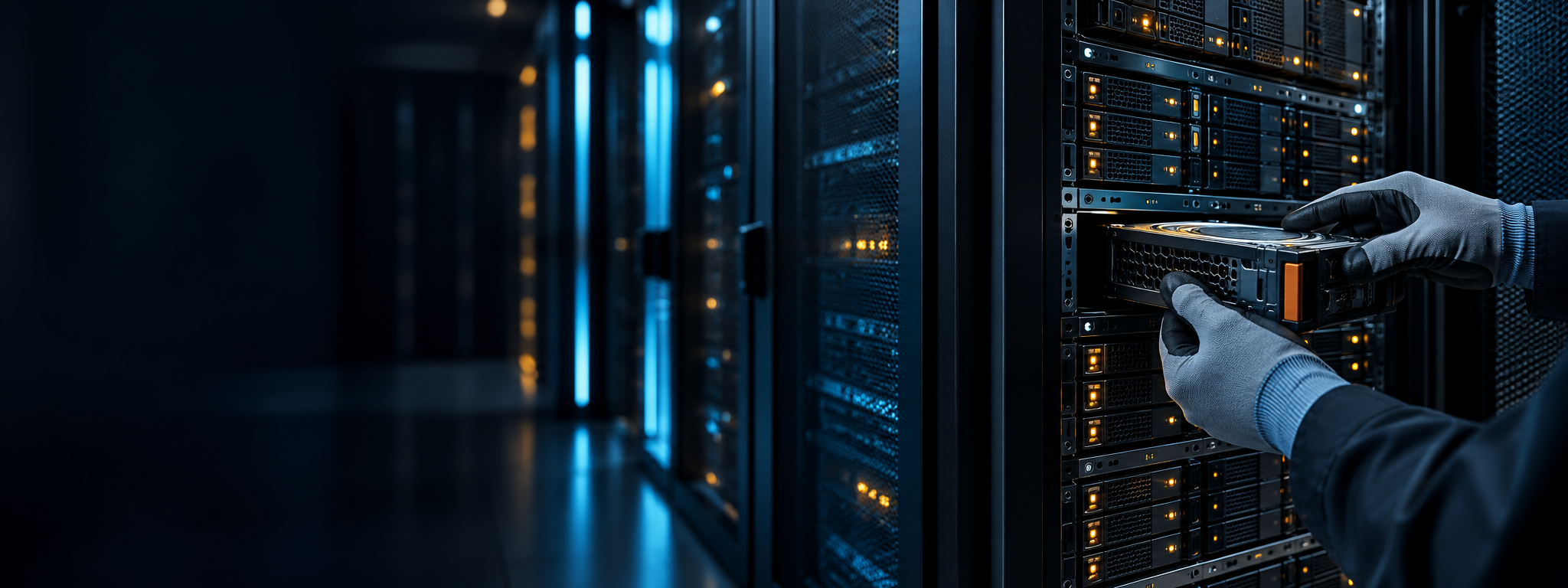
RAID data recovery in Mumbai, handled with care.
When an array goes offline, every next step matters. Talk with our team about RAID, NAS, SAN, server, HDD and SSD data loss before attempting a rebuild or repair.
Tell us what happened to your storage.
Share the device type, RAID level if known, and what changed before the data became inaccessible. We can discuss sensible next steps and how an assessment works.
Not sure about the configuration? Describe what you see: a degraded warning, failed rebuild, beeping drives, or an inaccessible volume.
Prefer to call? +91 98331 51550 →RAID recovery for the setup you run.
RAID failure can involve drive faults, controller problems, metadata damage, or several issues at once. Recovery begins with understanding the array layout and preserving its current state.
Striped arrays have no parity redundancy. A member fault or stripe-order issue may make the volume inaccessible.
Mirrored sets can lose access after drive, controller, or synchronisation problems.
Multiple drive issues, failed rebuilds, or inconsistent member order may affect access.
Dual-parity sets need careful assessment when failures exceed redundancy or metadata is damaged.
Outcomes depend on which members failed and how mirror pairs were arranged.
RAID server recovery Mumbai
For failed members, degraded volumes, controller faults, failed rebuilds, or inaccessible partitions. Preserve drive order and note any changes made.
NAS data recovery Mumbai
Assessment after disk faults, accidental resets, filesystem corruption, volume errors, or failed firmware updates.
SAN data recovery
Support for storage-area network volumes affected by controller, enclosure, logical-volume, or member-drive issues.
Recovery for drives, computers and storage systems.
Hard drive data recovery Mumbai customers and organisations can ask about a range of devices. The next step depends on the failure symptoms and media condition.
Hard drive (HDD) recovery
For drives that click, fail to spin, disappear, report errors, or become unreadable after impact, wear, or electrical damage.
SSD data recovery Mumbai
Assessment for SSD controller or firmware faults, inaccessible volumes, deleted files, or detection problems. Results depend on condition and encryption.
External hard drive recovery
For portable drives that were dropped, disconnected during transfer, reformatted, or no longer recognised.
Laptop and desktop recovery
Enquiries for internal storage affected by operating-system issues, accidental deletion, corruption, or device failure.
Deleted or corrupted data
Deleted files, damaged partitions, and filesystem errors have different recovery paths. Stop using the affected storage where possible.
Failed storage devices
Discuss symptoms such as no detection, unusual sounds, read errors, or electronic faults before trying repairs or repeated power cycles.
Common RAID failure scenarios.
These symptoms can have more than one cause. Avoid changing array settings or forcing a rebuild until the layout and member status are understood.
Members have dropped out and redundancy may be reduced.
Several disks report errors or become unavailable.
The array disappears after a controller or enclosure fault.
A rebuild stalls, fails, or the volume becomes inaccessible.
Configuration was reset or a new array was created.
The RAID is detected, but its volume or files will not open.
Shares or partitions disappear despite visible disks.
Power loss preceded errors or volume damage.
Know what happens at each step.
Each case differs. We explain findings and proposed work so you can make an informed decision before recovery proceeds.
Initial consultation
Describe what failed, what data matters, and which steps have been tried.
Device assessment
Discuss the device, array layout, symptoms, and ways to arrange assessment.
Diagnosis & plan
Review condition and explain proposed approach, risks, costs, and timing where known.
Your approval
Work proceeds after you understand and approve the scope and charges.
Recovery work
Carry out the approved approach while carefully preserving source media.
Data review
Where available, review a file listing or verification before arranging delivery.
Secure delivery
Agree on a suitable destination drive and delivery method for recovered data.
Follow-up
Discuss questions about the recovery outcome and next steps for storage.
Why customers contact our team.
Case-specific assessment
Recommendations depend on the device, symptoms, and actions already taken.
Clear communication
Understand available options and approve the plan before work proceeds.
Confidentiality matters
Discuss privacy or handling requirements when making an enquiry.
Mumbai enquiries
Ask about local service options and arranging an assessment.
Realistic expectations
Recovery cannot be guaranteed. We explain uncertainty as the case progresses.
Useful next steps
We can discuss actions to avoid while you decide what to do.
Recovery enquiries across industries.
Tell us about operational, privacy, or time constraints when you get in touch.
RAID data recovery near you in Mumbai.
We handle enquiries from across Mumbai and surrounding areas. Call to confirm current intake and collection options for your location before transporting a device.
42/44, Walker House, Tribhuvan Rd., Lamington Rd., Grant Rd., Mumbai – 400007, Maharashtra, India
Mon–Sat · 10 am–7 pm
Areas listed for service
Call ahead to confirm intake and collection arrangements before bringing a device.
RAID recovery questions, answered.
Can data be recovered from a failed RAID array?
It may be possible, depending on layout, number and condition of failed members, damage type, and changes made after failure. No outcome can be promised before assessment.
How long does RAID data recovery take?
Timing depends on disk condition, failure type, and array complexity. Ask for a current estimate after the case is reviewed.
How much does RAID data recovery in Mumbai cost?
There is no single price for every case. Request an assessment and explanation of the scope and charges before approving recovery work.
Do you guarantee successful recovery?
No. Results depend on media condition and how data was stored or changed. A responsible assessment explains uncertainty and risks.
Should I rebuild a degraded RAID?
If you are unsure why it degraded, seek advice before rebuilding. A rebuild writes to disks and may complicate recovery when other drives or metadata are compromised.
Can a clicking or physically damaged drive be recovered?
Possibly, but unusual sounds or physical damage can indicate a serious fault. Power it off and avoid repeated attempts; further operation may worsen damage.
What should I do after a server or NAS failure?
Record errors, note failed bays, preserve disk order, and avoid resets, initialisation, formatting, or rebuild attempts. Call to discuss symptoms.
Do you provide NAS, SAN and server recovery in Mumbai?
We accept enquiries about NAS, SAN, and server storage failures. Share the model, configuration if known, and what changed before access was lost.
Is my data kept confidential?
Privacy matters. Discuss confidentiality, access control, and handling requirements so arrangements can be explained for your case.
How do I bring in or send a device?
Contact the team first to confirm current intake instructions. For RAID, do not remove drives without documenting their original bay order.
Contact Us
Speak with us about a failed RAID, server, NAS, hard drive, SSD, or another storage issue.
Visit: 42/44, Walker House, Tribhuvan Rd., Lamington Rd., Grant Rd., Mumbai – 400007, Maharashtra, India
Monday–Saturday · 10 am–7 pm
Need RAID recovery in Mumbai?
Tell us what failed. We’ll discuss the assessment process and available options.